When the network goes
A shop cannot stop trading because the network did
Your products and your last dashboard are stored on the device, so you keep selling while the connection is away.

Point of sale for Somaliland shops
Sell. Get paid. Track stock. Know your numbers.
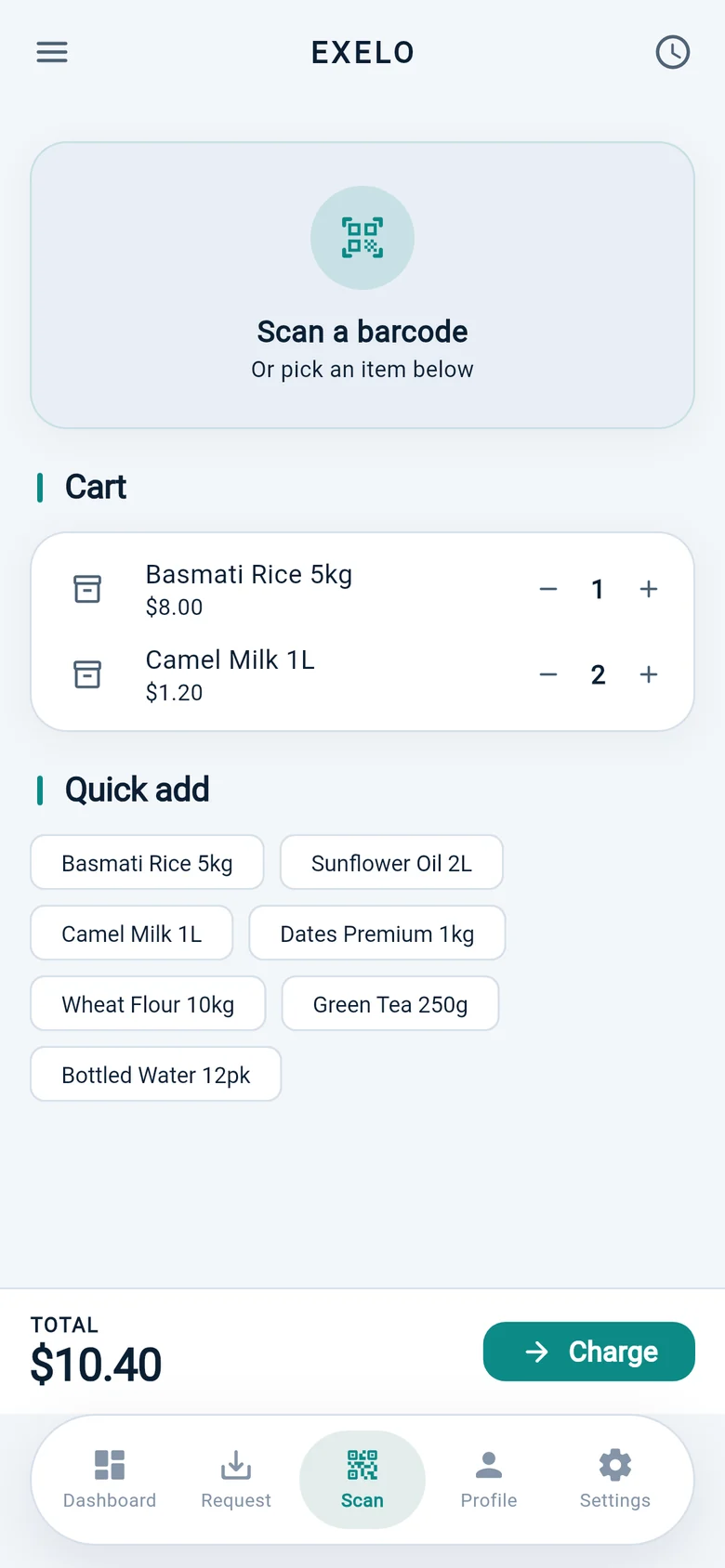
At the counter
Scan with the camera or a corded reader, sell the things that never had a barcode, and type an amount when there is nothing to scan.
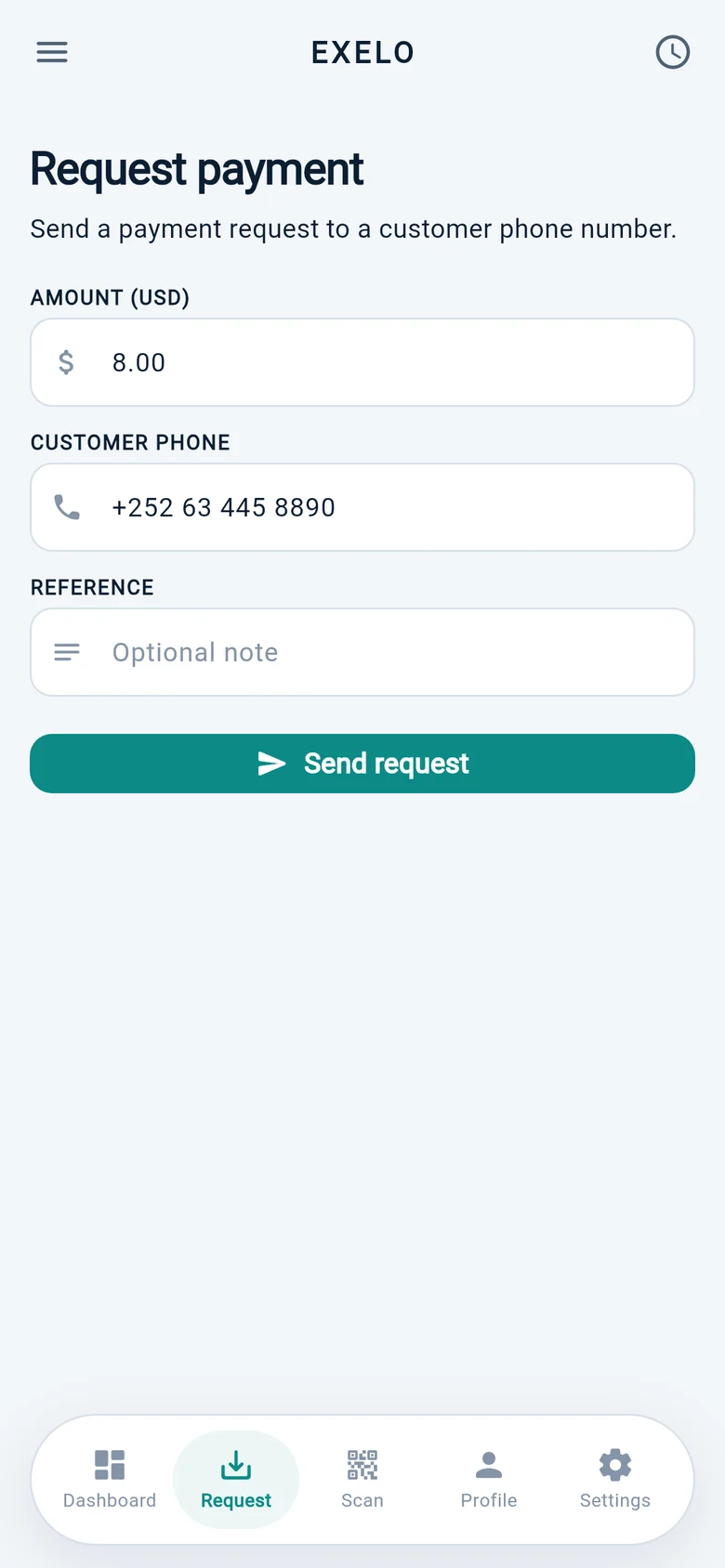
Getting paid
Money goes to your own ku iibso number, verified before it can take a payment, and EXELO takes no cut of the sale.
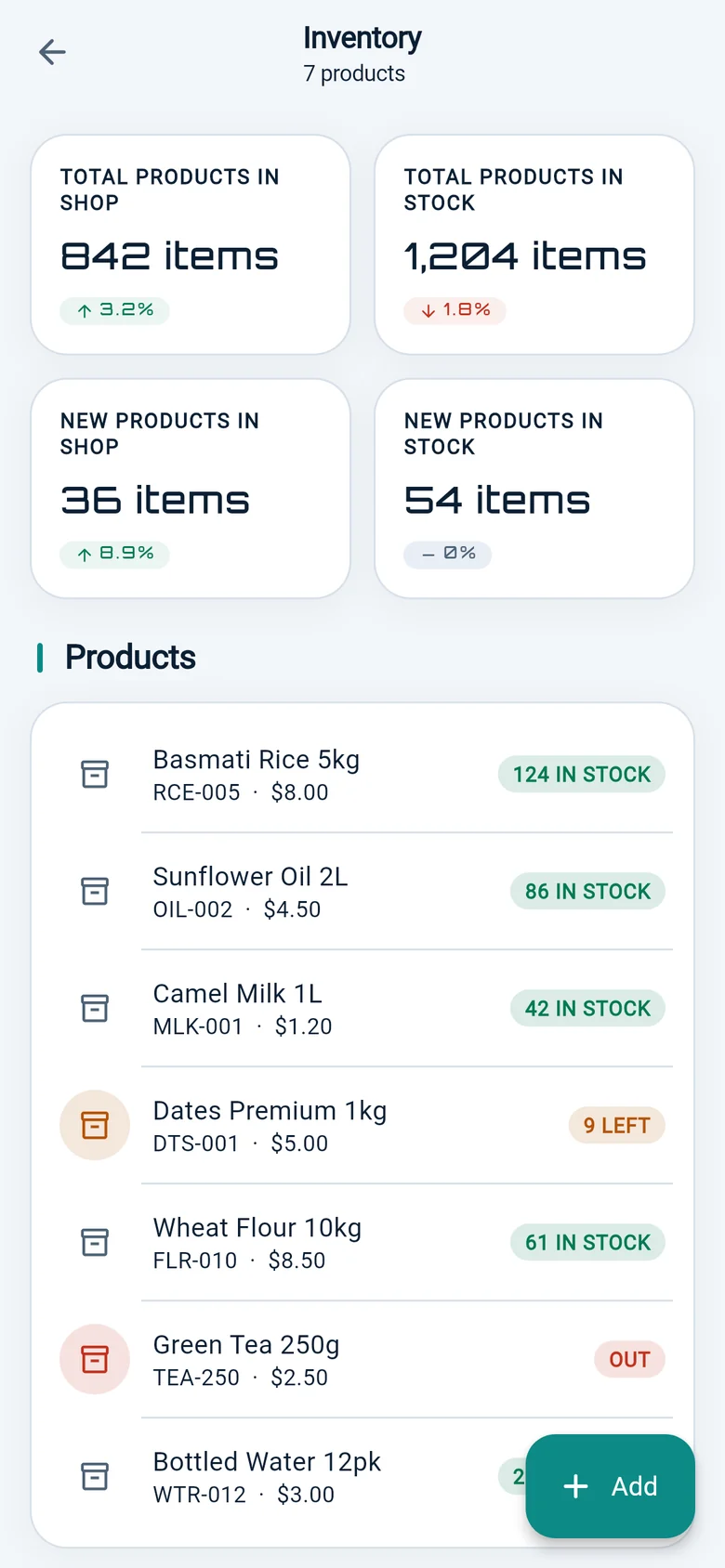
Inventory
Add a product once, with its price and its barcode. Every sale after that moves the number for you.
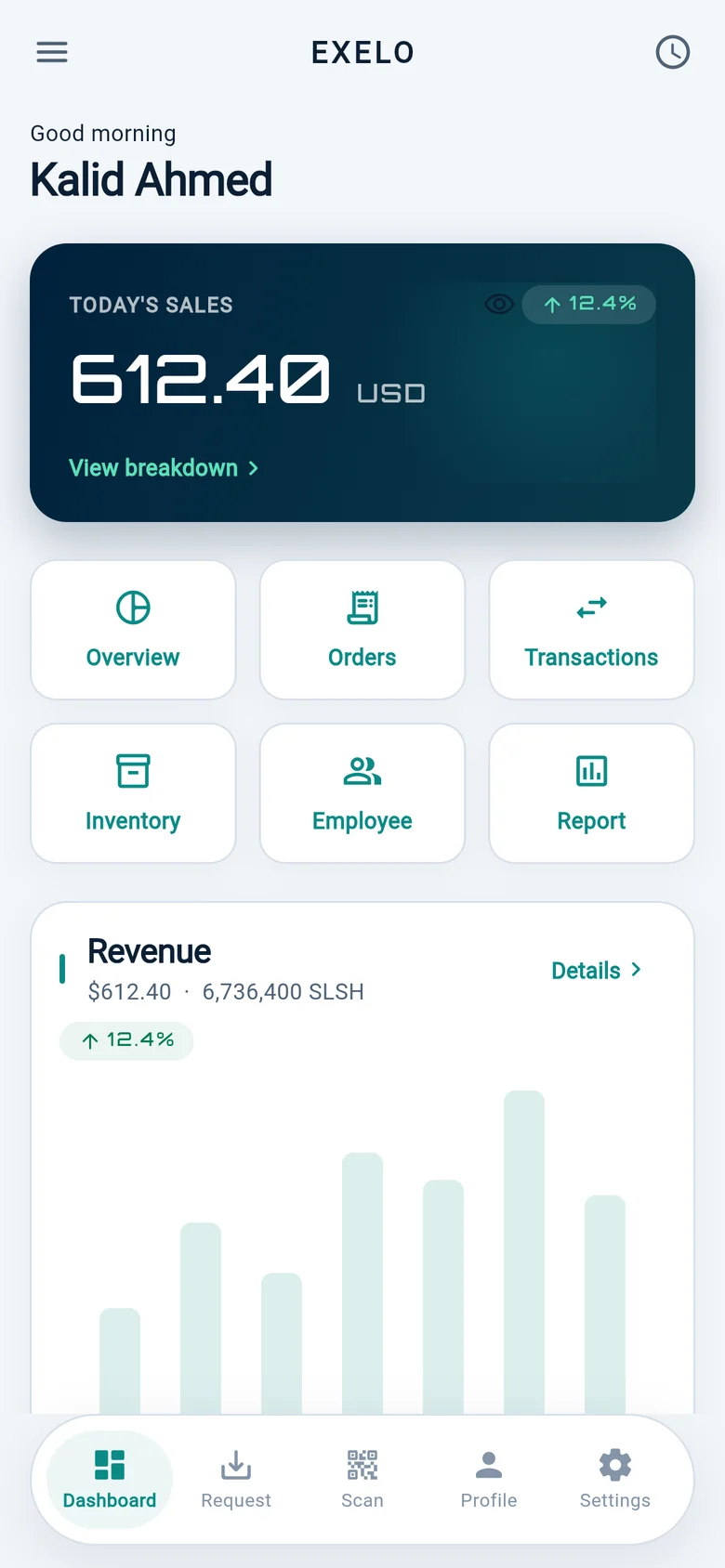
Your numbers
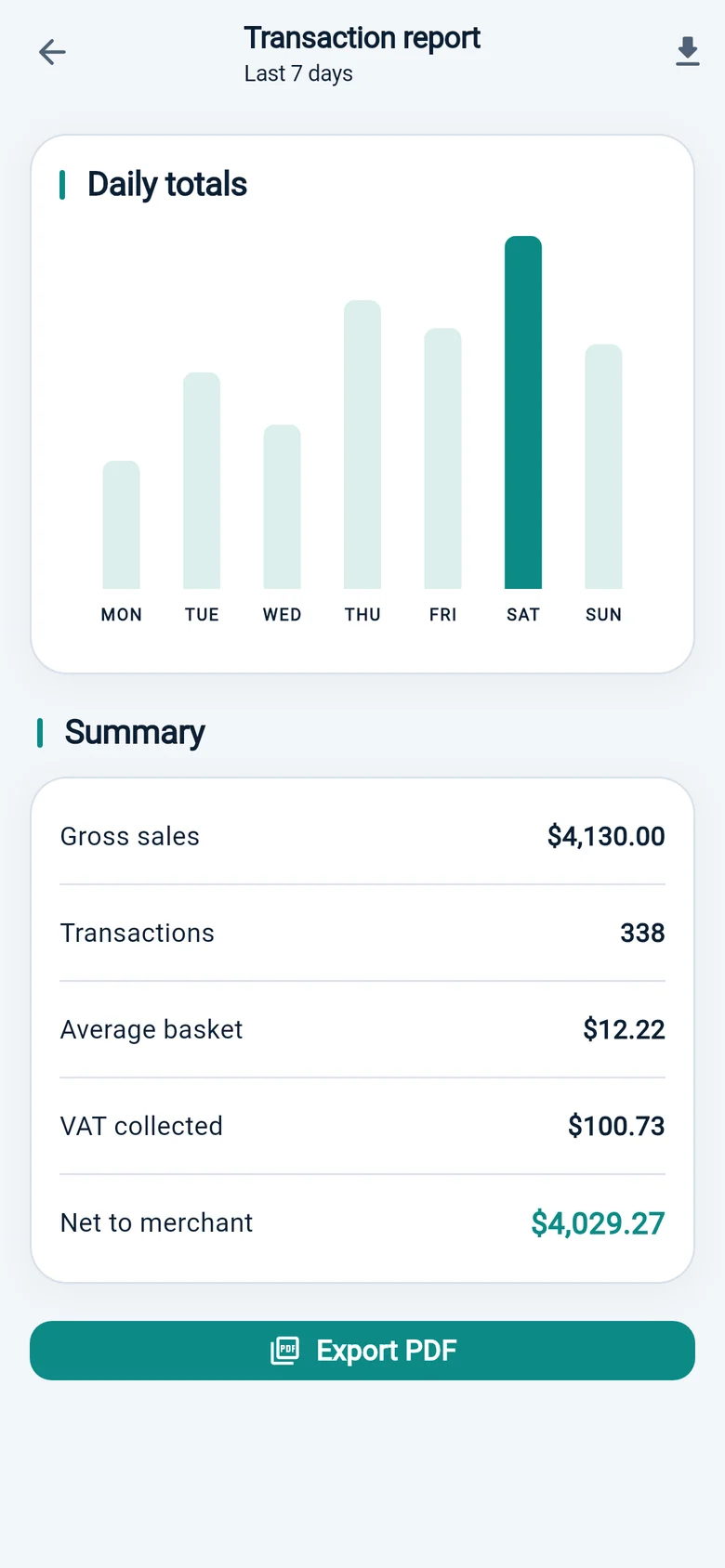
The dashboard opens on what the shop has taken today, with the month behind it — and reports stay hidden from staff who should not see them.
Your team
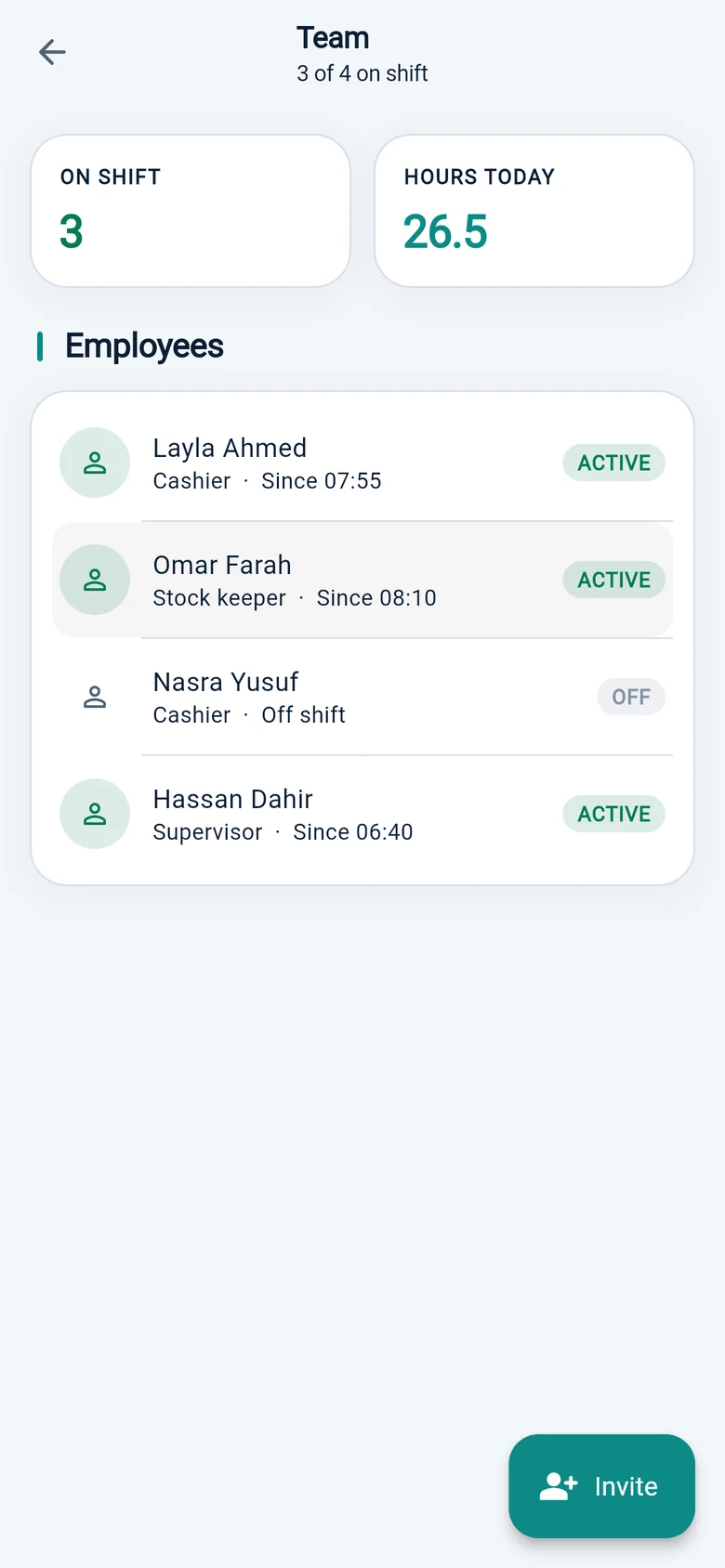
A cashier gets the till. A manager gets stock and reports. Everyone signs in with their own PIN, so the record shows who sold what.
When the network goes
Your products and your last dashboard are stored on the device, so you keep selling while the connection is away.
More than one shop
Switch shops from the settings menu. Each keeps its own stock, its own staff and its own rate for the day.
Hardware
Start on the phone you own. Move up only when the queue makes it worth it.
An ordinary Android phone is a complete till: scanning, payments, stock and reports.
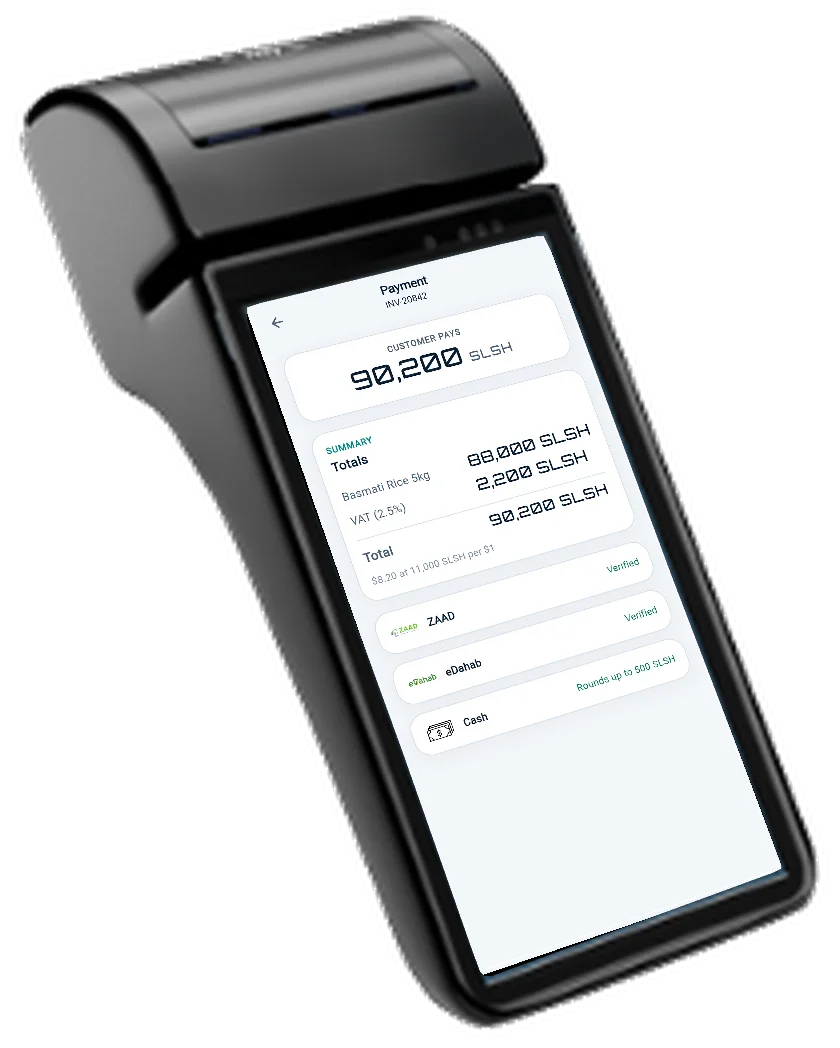
Scanner and receipt printer in one device, made for standing at a counter all day.
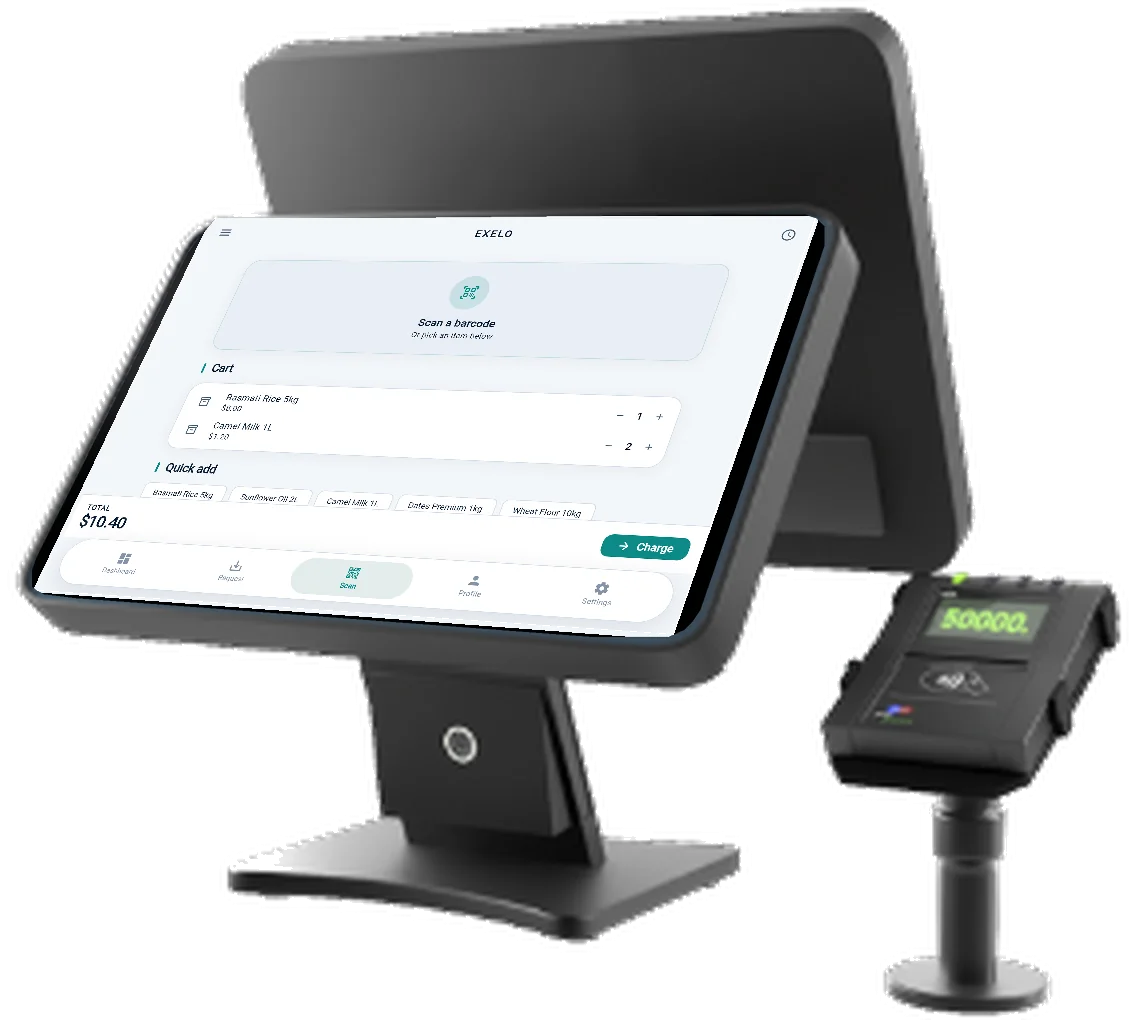
A larger screen for a fixed counter, with a second display so the customer sees what they are paying.
Tell us how your counter works and we will say what is worth buying — often nothing.
Pricing
Two plans, one small registration fee, no percentage taken from anything you sell.
Silver
Free
For a shop that wants the numbers first.
Gold
Monthly
paid in shillings
The full till, for a shop that runs on it every day.
Get started
A short conversation and an afternoon of adding products. We do it with you.
Talk to us
Tell us what you sell and how many shops you have. We come back with the plan that fits.
Get the app
We sign you in on your own phone, and bring a handheld POS or countertop till if you want one.
Register your shop
Your phone number becomes your account and you set a PIN. Registration is a one-time 500 SLSH.
Connect your wallet and add your products
Add your ku iibso number for ZAAD, eDahab or both, then put in your fastest-moving lines.
Support
Tell us which shop you are, what you were doing, and what the till showed. That is usually enough to fix it in one message.
A wallet will not take money
The rail has to be verified with your own ku iibso number first. Check Settings, and send us the number if it will not verify.
Someone forgot a PIN
An owner can reset a staff PIN from the employee list. For the owner's own PIN, write to us from the number on the account.
The numbers look wrong
Check today's shilling rate in Settings first. If the dashboard and your own count still disagree, send us the day.
Questions
Silver is free and Gold is the full till. Signing up is a one-time 500 SLSH, and there is no EXELO fee on your sales.
ZAAD, eDahab and cash. Each wallet is verified with your own ku iibso number before it can accept money.
No. An ordinary Android phone is enough. A handheld POS or countertop till is optional.
Your products and your last dashboard stay on the device, so you can keep serving customers.
About us
Somali shops were being asked to run on systems built for card-paying customers somewhere else, or on nothing at all.
Exelo Global was formed in 2024. The product is designed and engineered in Finland and put to work in Hargeisa, where prices are negotiated, customers pay from mobile wallets, cash is still cash, and the network is not a given. Everything in the till follows from those four facts.
What we sell
One thing: a till a Somali shop can run on. Not a payment scheme, not a loan book.
How we work
We install with the shop, not at it. The people who wrote the code are the people who answer.